
Step-by-step guide
Register and activate
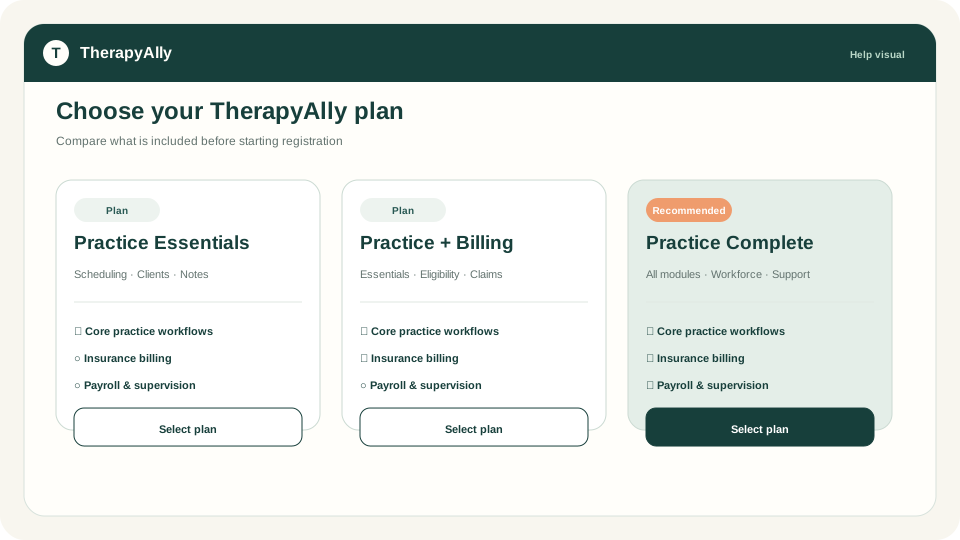
Choose a plan, create the account, sign, pay, and enter the welcome workflow.
Open guide →Help Center
Short, task-oriented guides help teams complete setup, care delivery, billing, and administration. Every guide includes a clear visual that matches the workflow.
Step-by-step guidance
Each guide follows a real TherapyAlly workflow with a crisp, privacy-safe visual that can evolve with the product.
Choose a plan, create the account, sign, pay, and enter the welcome workflow.
Open guide →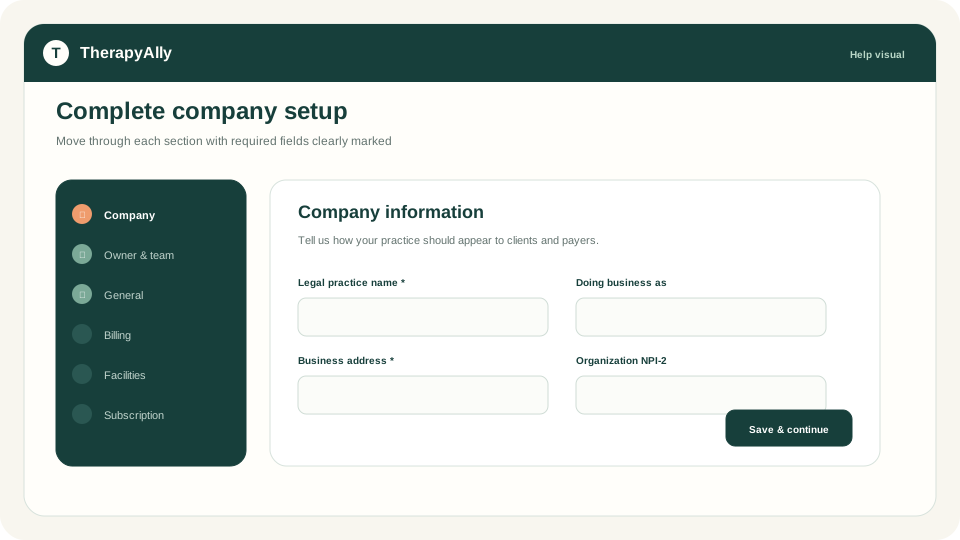
Configure the practice, owner, team, settings, billing, facilities, and subscription.
Open guide →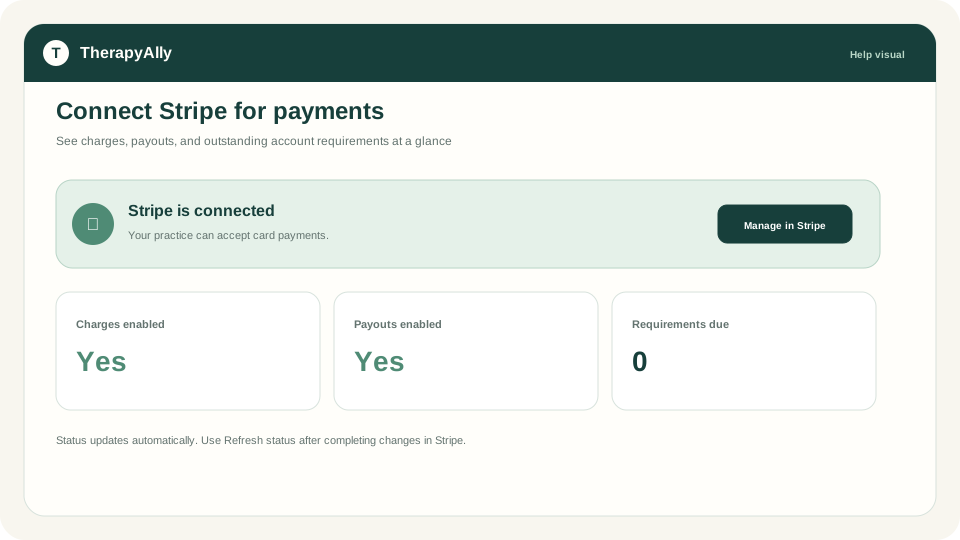
Enable appointment and invoice payments and understand account readiness.
Open guide →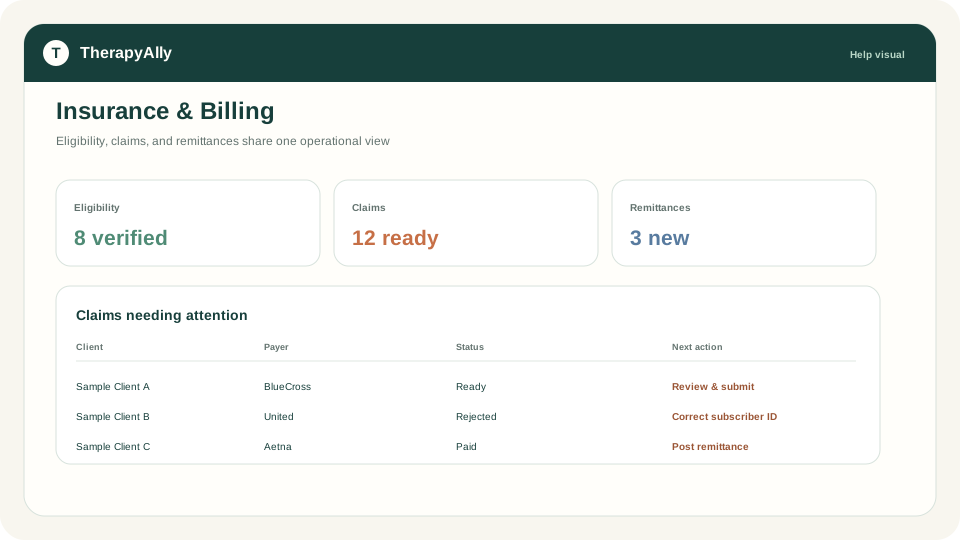
Confirm Practice + Insurance, billing entity, payers, codes, and Claim.MD transmit settings, then submit claims.
Open guide →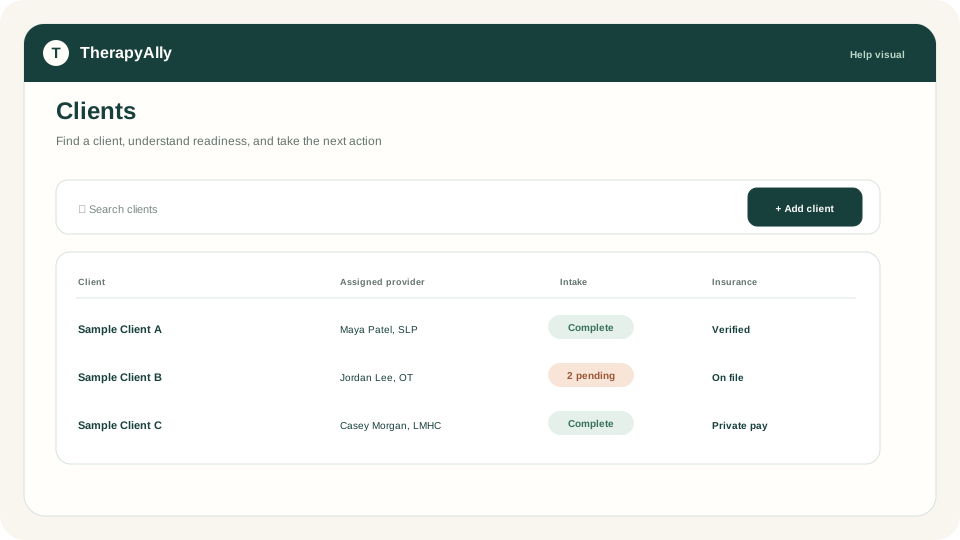
Capture demographics, guardians, insurance, providers, and intake assignments.
Open guide →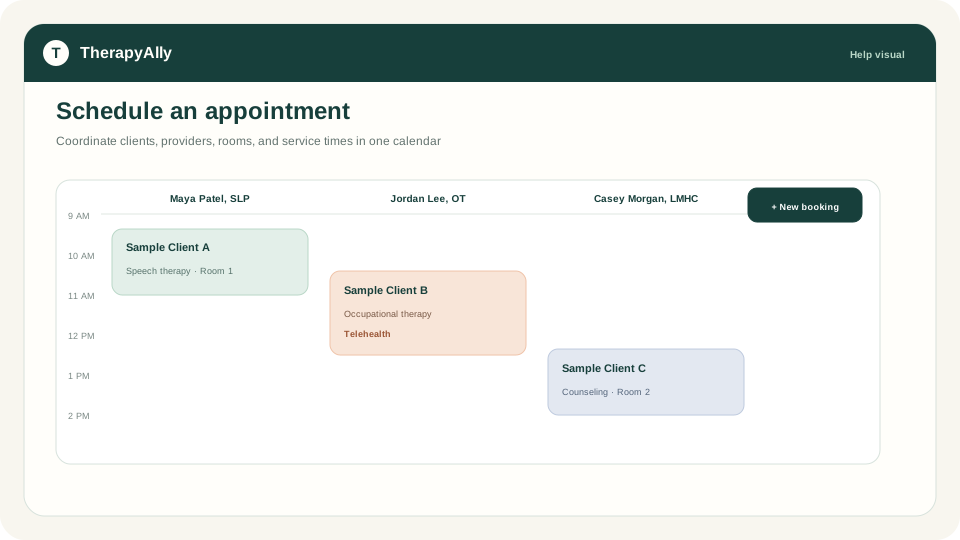
Coordinate the client, provider, service, room, payment, and notification.
Open guide →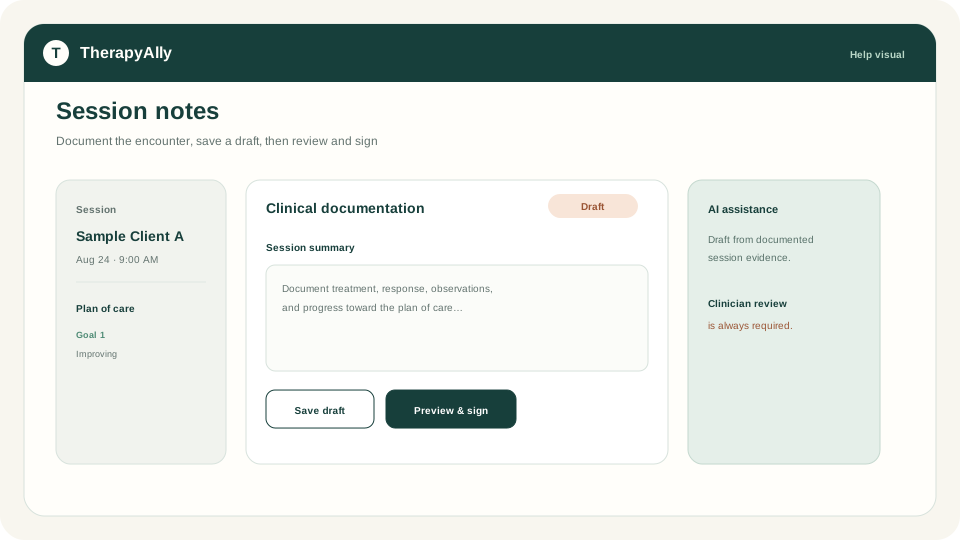
Document sessions, create reviewable AI-assisted drafts, sign, and share.
Open guide →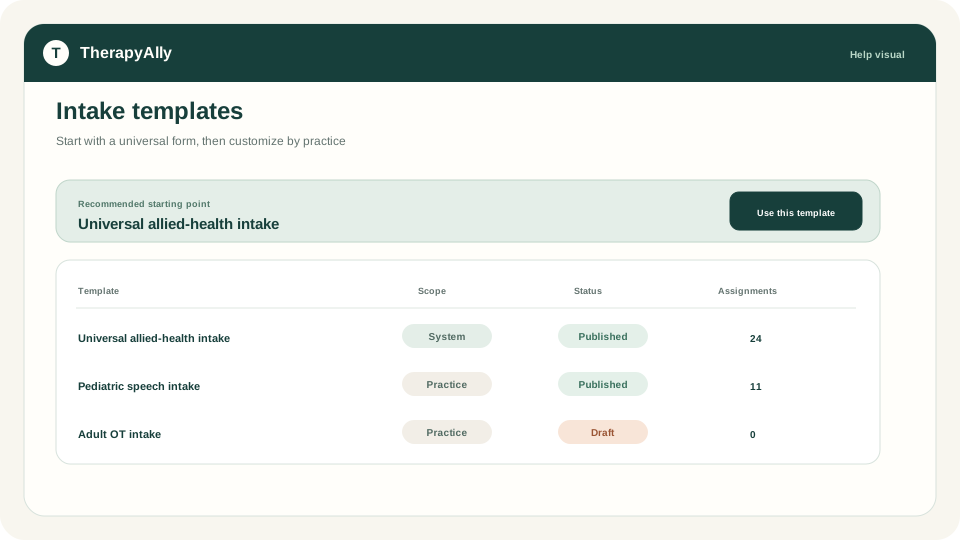
Start with a universal form and customize templates for each practice.
Open guide →In-product assistance
Find help by task from the screen you are using. Ask Allie for contextual guidance, then open the matching guide or next workflow step.
Meet Allie